
Supercharging Your Workflow: How Gemini 3.5 Flash Integrates with Your AI Prompt Manager Extension
Discover how the latest Gemini 3.5 Flash model from Google I/O drastically reduces latency and pairs perfectly with a smart prompt manager extension to boost developer productivity.
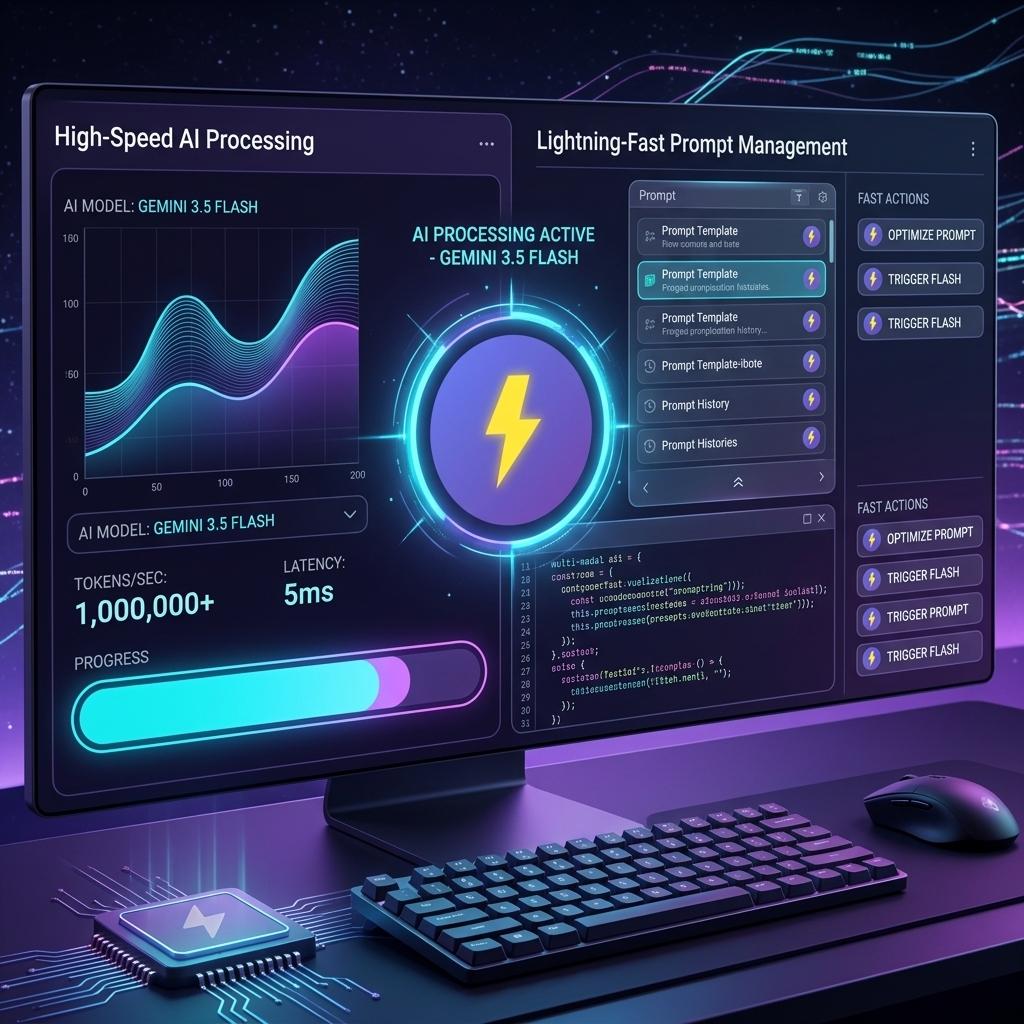
The recent Google I/O has once again shifted the landscape for developers and power users. Among the flurry of exciting announcements, one release stood out for those of us obsessed with speed, efficiency, and real-world productivity: Gemini 3.5 Flash.
Designed specifically for lightning-fast reasoning and advanced multimodal capabilities, Gemini 3.5 Flash is built to handle high-volume, low-latency tasks that slow down daily operations. But raw AI speed is only half the equation. To truly harness this unprecedented power, you need a personal workflow that can keep up. That is exactly where a dedicated chrome extension prompt manager like FlashPrompt comes into play.
In this comprehensive post, we will explore the key upgrades Gemini 3.5 Flash brings to the table, the hidden bottlenecks in most developer workflows, and how you can combine this new AI model with FlashPrompt to save prompt efficiently and supercharge your daily output.
What Makes Gemini 3.5 Flash a Game Changer?
Google’s introduction of the Flash tier in previous generations was a breakthrough, but 3.5 Flash takes performance to another level entirely. Here is why modern developers and productivity enthusiasts should be paying close attention:
- Unprecedented Low Latency: Gemini 3.5 Flash drastically cuts down response times. Whether you are generating complex TypeScript interfaces, translating localization files, or summarizing massive API documentation, the model responds almost instantly. This real-time feedback loop transforms how you write code.
- Massive Context Window Retained: Maintaining the industry-leading context window, 3.5 Flash can digest entire code repositories or hundreds of pages of documentation in seconds. You can feed it your entire project context without losing the thread of the conversation or waiting minutes for a response.
- Cost-Effective for API Builders: For developers building their own AI-integrated tools, the cost per million tokens has been highly optimized. This makes it incredibly practical for high-frequency daily use and background automated tasks.
- Enhanced Multimodal Reasoning: The model natively understands images, video, and audio much faster. You can now feed it screenshots of UI layout bugs, wireframes, or architectural diagrams, and get immediate, actionable insights and code fixes.
The Bottleneck: Why Speed Requires Organized Prompts
Having an AI that responds in milliseconds is a fantastic technological achievement. However, if you are still spending minutes searching for your best, most effective prompts, copying and pasting from messy Notion pages, or re-typing complex multi-step instructions from scratch, you are completely losing the speed advantage that Gemini 3.5 Flash provides.
If you want to truly maximize your output, you need to save prompt efficiently.
Think about your daily development workflow. How often do you reuse the exact same core instructions?
- Code Refactoring: "Refactor this React component to use custom hooks and ensure strict TypeScript typing."
- Testing: "Generate comprehensive Jest unit tests for the following utility functions, covering edge cases."
- Code Reviews: "Review this pull request diff for security vulnerabilities and performance bottlenecks."
Without a centralized, easily accessible prompt manager extension, these valuable, high-leverage assets get lost in the noise of daily work.
Pairing Gemini 3.5 Flash with FlashPrompt
To get the absolute most out of the new Google I/O AI updates, your interaction with the AI needs to be entirely frictionless. FlashPrompt is designed precisely to eliminate that friction.
As a professional-grade chrome extension prompt manager, FlashPrompt lives directly in your browser, ready to deploy your best instructions the exact moment you open your preferred AI interface.
Here is exactly how FlashPrompt turns the raw speed of Gemini 3.5 Flash into tangible time saved:
1. Instant Prompt Insertion via Shortcuts
With FlashPrompt, you do not need to switch tabs, open separate applications, or dig through folders. Simply use the quick -keyword syntax directly in the Gemini chat input box. Your complex, carefully crafted prompt is injected instantly. When paired with the ultra-low latency of 3.5 Flash, your entire ideation-to-result loop happens in under two seconds.
2. Highlighting and Smart Local Search
As your personal library of prompts grows, finding the right one can become a chore. FlashPrompt features an ultra-fast, local search with highlighted results. Whether you are looking for a specific Next.js boilerplate prompt or a marketing copy template, you can find and deploy it instantly without breaking your focus.
3. Save Selected Text on the Fly
Are you browsing documentation and find a great architectural pattern you want to use later? With FlashPrompt, you can simply highlight the text and use the FlashPrompt selection-save control as a new prompt instantly. This allows you to effortlessly build a powerful, personalized knowledge base as you work.
4. Uncompromising Local Privacy
When you are dealing with proprietary codebases, confidential client data, or internal company architectures, privacy is important. FlashPrompt stores prompt content in the browser profile rather than a cloud prompt library. License activation and verification are separate network operations, and organizations should evaluate browser extension storage against their own policies.
Invest in Your Workflow: Pay Once, Use Forever
In an era of endless monthly subscriptions and SaaS fatigue, we believe in a simpler, more honest model for developer tools. FlashPrompt proudly offers Lifetime Access.
There are no recurring monthly fees, no hidden costs, and no surprise charges. You pay once, and you get a powerful, privacy-first prompt manager extension forever. As foundational AI models like Gemini 3.5 Flash continue to evolve, become faster, and gain new capabilities, your personal workflow will already be perfectly optimized to take full advantage of them.
Stop wasting valuable time manually typing and searching for lost prompts. Upgrade your workflow today, harness the blazing speed of the latest Google AI models, and permanently take back control of your productivity.
Related guides
Build Your Own AI Skill Library: Fast Invocation with a Prompt Manager Extension
Discover how to organize and instantly invoke powerful AI skills and agent workflows using a professional chrome extension prompt manager.
Unleashing DeepSeek V4 Pro: Maximize Coding Efficiency with Your AI Prompt Manager
Explore the advanced reasoning capabilities of DeepSeek V4 Pro and discover how pairing it with a smart prompt manager extension can revolutionize your developer workflow.
Unleashing GLM-5.2: Optimizing Open-Source Agentic AI with a Prompt Manager Extension
Discover how Z.ai's new GLM-5.2 model redefines autonomous coding and how to streamline your 1-million-token context workflows using a professional prompt manager.
Ready to reuse these prompts?
Save the prompts from this guide in FlashPrompt, or start from a ready-made example in the prompt library.