
Unleashing DeepSeek V4 Pro: Maximize Coding Efficiency with Your AI Prompt Manager
Explore the advanced reasoning capabilities of DeepSeek V4 Pro and discover how pairing it with a smart prompt manager extension can revolutionize your developer workflow.
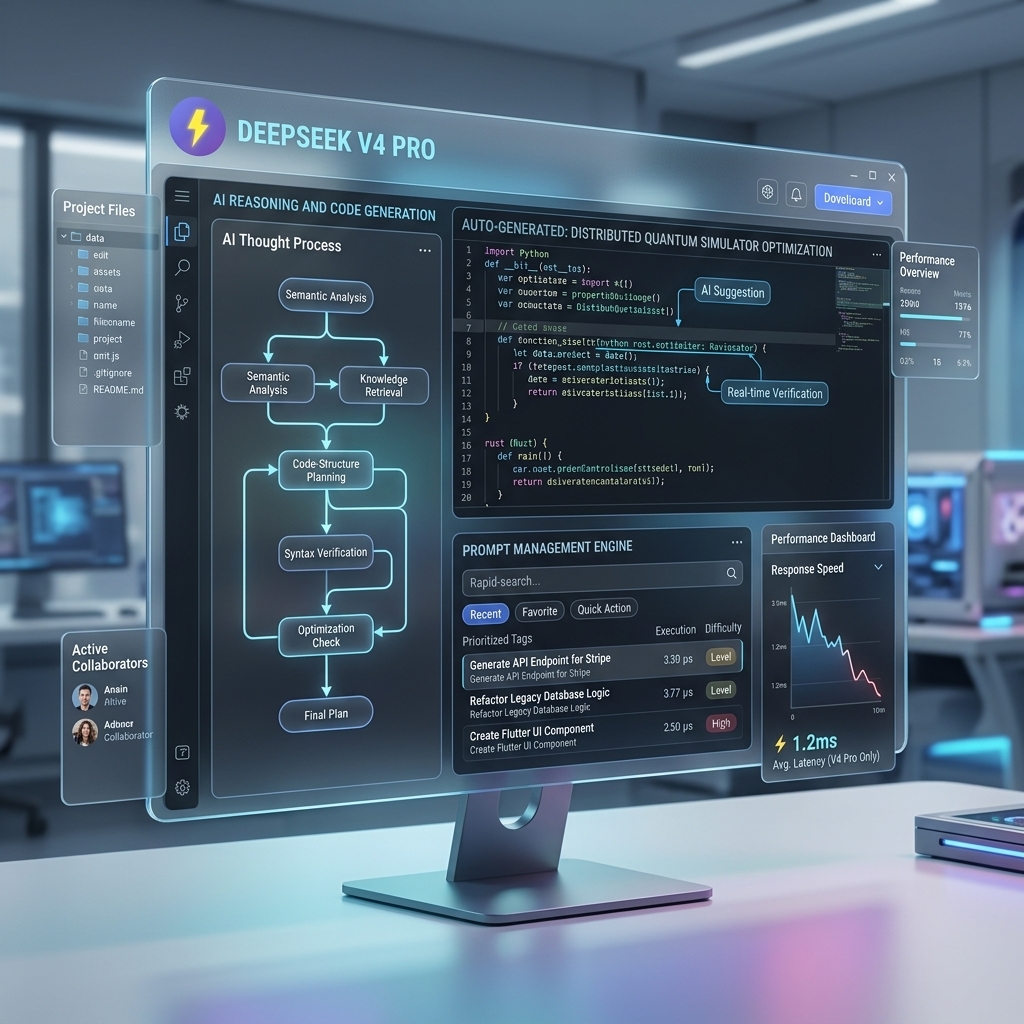
The artificial intelligence landscape is evolving at a breakneck pace, and the recent release of DeepSeek V4 Pro marks a significant milestone for developers and software engineers. Known for its exceptional reasoning capabilities and deep understanding of complex codebases, DeepSeek V4 Pro is rapidly becoming a go-to tool for advanced technical tasks.
However, accessing a highly capable AI model is only the first step. To translate that raw intelligence into actual productivity gains, you need a streamlined workflow. This is exactly where a dedicated chrome extension prompt manager like FlashPrompt becomes essential.
In this article, we will dive into what makes DeepSeek V4 Pro such a powerful asset for developers, and how integrating it with FlashPrompt allows you to save prompt efficiently and elevate your entire coding process.
Why DeepSeek V4 Pro is a Developer's Best Friend
DeepSeek V4 Pro has made waves in the AI community, particularly for its performance in logical reasoning, mathematics, and complex software development. Here is why it stands out from the crowd:
- Advanced Code Generation and Refactoring: DeepSeek V4 Pro demonstrates a remarkable ability to understand nuanced architectural requirements. It does not just output syntax; it considers best practices, design patterns, and edge cases, making it incredibly effective for large-scale code refactoring.
- Deep Reasoning Capabilities: When tackling complex bugs or algorithmic challenges, V4 Pro shines. It can break down convoluted problems step-by-step, providing transparent and logical explanations alongside its solutions.
- Extended Context Comprehension: The model can ingest significant amounts of context—such as extensive API documentation or multiple interdependent files—and maintain a cohesive understanding of the entire system structure.
- Highly Optimized Processing: Despite its complexity, DeepSeek V4 Pro delivers fast, reliable outputs, ensuring that developers aren't left waiting when they need critical solutions.
The Friction in the AI Workflow
Even with a model as intelligent as DeepSeek V4 Pro, your productivity is ultimately limited by how efficiently you can communicate with it.
If you are a professional developer, you likely have specific, detailed instructions you rely on repeatedly. For example:
- Strict Typing Rules: "Generate a TypeScript interface for this payload. Enforce strict null checks and use discriminated unions where applicable."
- Test Driven Development: "Write a suite of integration tests for this Next.js API route using Jest and Supertest, covering both success and failure states."
- Code Review Guidelines: "Review this code snippet for common security vulnerabilities, memory leaks, and performance bottlenecks."
Typing these out manually, or hunting for them in scattered Notion documents or text files, introduces massive friction. To truly leverage the power of DeepSeek V4 Pro, you must be able to save prompt efficiently and access them instantly.
Elevating DeepSeek V4 Pro with FlashPrompt
To maximize your coding efficiency, the bridge between your intentions and the AI's output needs to be seamless. FlashPrompt is designed to be that perfect bridge.
As a professional chrome extension prompt manager, FlashPrompt sits right in your browser, enabling you to inject your most complex instructions into DeepSeek V4 Pro the moment you need them.
Here is how FlashPrompt transforms your interaction with advanced AI models:
1. Lightning-Fast Prompt Execution
There is no need to switch contexts or juggle multiple windows. With FlashPrompt, you can type a quick -keyword directly into the DeepSeek chat interface. Instantly, your comprehensive, multi-paragraph engineering prompt is inserted. This keeps you in the "flow state," allowing you to iterate on code faster than ever before.
2. Intelligent Local Search
As your library of advanced coding prompts expands, finding the exact right one is crucial. FlashPrompt includes a high-speed, local search engine that highlights results instantly. Whether you need your specialized Rust optimization prompt or a React Native boilerplate configuration, it is just a keystroke away.
3. Capture Knowledge Instantly
Reading through a brilliant technical blog post or a clever StackOverflow solution? With FlashPrompt, simply highlight the valuable text, use the FlashPrompt selection-save control as a new prompt. This allows you to build a highly personalized, continuously growing library of development knowledge without interrupting your reading.
4. 100% Privacy for Your Code
When working with enterprise codebases or proprietary algorithms, data security is important. FlashPrompt stores prompt content in the browser profile rather than a cloud prompt library. License activation and verification are separate network operations, and organizations should evaluate browser extension storage against their own policies.
A Professional Tool: Pay Once, Use Forever
We understand developer fatigue when it comes to endless monthly subscriptions. That is why FlashPrompt operates on a straightforward Lifetime Access model.
There are no recurring fees or subscription tiers. You pay once, and you own a robust, privacy-first prompt manager extension forever. As AI models like DeepSeek V4 Pro continue to push the boundaries of what is possible, your optimized workflow will be ready to harness that power from day one.
Do not let disorganized prompts slow down your development cycle. Upgrade your toolkit, integrate seamlessly with the world's most advanced AI models, and take your productivity to the next level.
Related guides
Supercharging Your Workflow: How Gemini 3.5 Flash Integrates with Your AI Prompt Manager Extension
Discover how the latest Gemini 3.5 Flash model from Google I/O drastically reduces latency and pairs perfectly with a smart prompt manager extension to boost developer productivity.
Unleashing GLM-5.2: Optimizing Open-Source Agentic AI with a Prompt Manager Extension
Discover how Z.ai's new GLM-5.2 model redefines autonomous coding and how to streamline your 1-million-token context workflows using a professional prompt manager.
Build Your Own AI Skill Library: Fast Invocation with a Prompt Manager Extension
Discover how to organize and instantly invoke powerful AI skills and agent workflows using a professional chrome extension prompt manager.
Ready to reuse these prompts?
Save the prompts from this guide in FlashPrompt, or start from a ready-made example in the prompt library.