
Chrome Extension Prompt Manager: Best Picks for 2026
Compare Chrome extension prompt managers for 2026. See why a local-first tool beats cloud libraries for speed, privacy, and daily reuse.
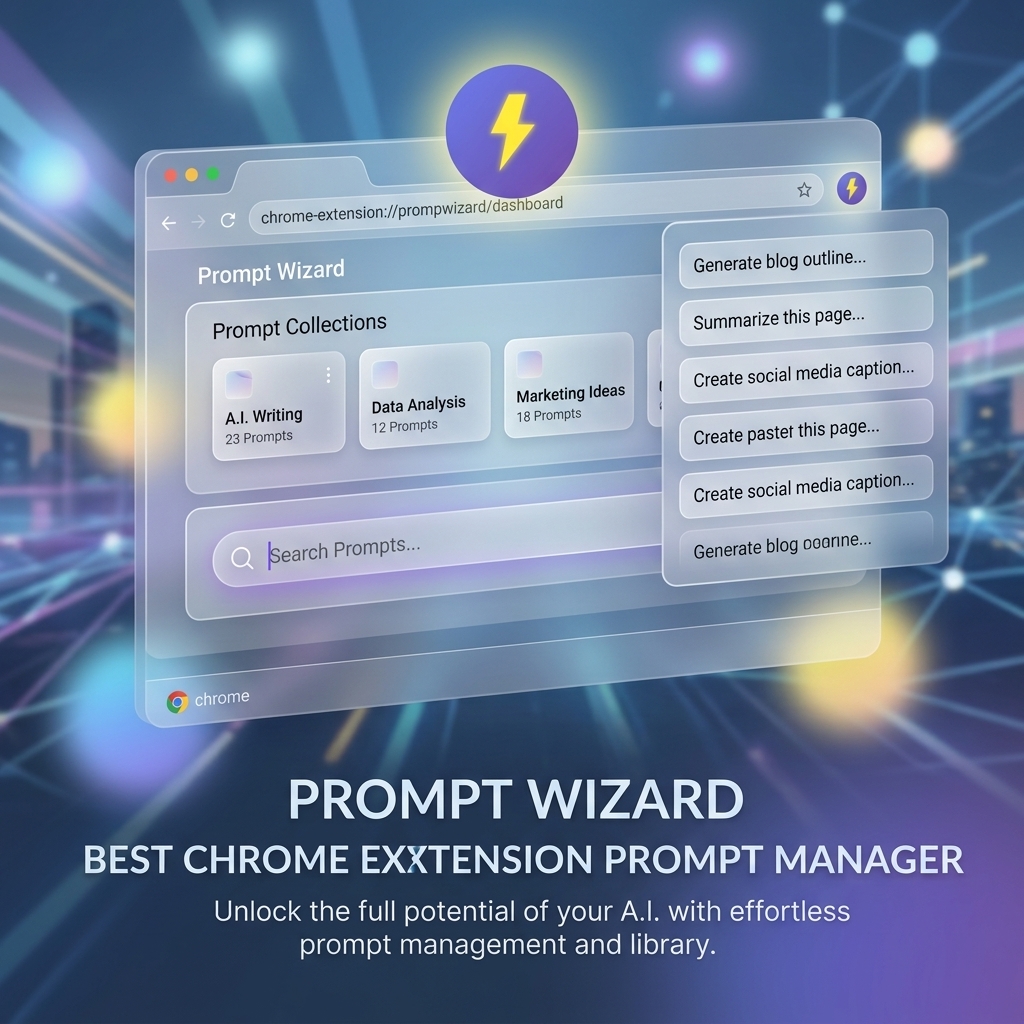
As we settle into 2026, the browser has firmly established itself as the operating system for AI interaction. Whether you are using the web interface of ChatGPT, Claude, Gemini, or a locally hosted LLaMA instance via a web UI, your browser is the command center. This shift has made the chrome-extension-prompt-manager 2026 category one of the most competitive and vital software sectors.
Gone are the days of switching tabs to find your "perfect prompt" in a Notion doc or Apple Note. In 2026, integration is key. You need tools that live where you work. In this comprehensive review, we evaluate the state of Chrome extension prompt managers this year and why FlashPrompt is setting the benchmark for the industry.
Why a Chrome Extension?
Why choose a browser extension over a desktop app for prompt management? The answer lies in contextual immediacy.
- Browser Integration: Good extensions are aware of the field you are typing in. They know if you are on GitHub, Gmail, or ChatGPT, and can offer context-aware suggestions.
- Zero-Friction Insertion: Desktop apps often require copy-pasting. A chrome-extension-prompt tool injects text directly into the active element, preserving formatting and saving keystrokes.
- Selection Save: The ability to highlight text on a webpage and save it through an on-page quick-save control keeps prompt capture inside the browsing workflow.
Top Contenders in 2026
The market has matured. Here is how the top solutions stack up.
1. FlashPrompt (The Leader)
Verdict: Best for privacy-conscious professionals and power users.
FlashPrompt has taken the top spot in 2026 by focusing on one thing: speed. While other extensions have become bloated with "AI chat" features inside the popup, FlashPrompt remains a dedicated manager.
- Key Feature: The
-keywordsyntax is universally compatible. It doesn't matter if a new AI site launches tomorrow; if it has a text box, FlashPrompt works. - Privacy: It stores data in
chrome.storage.local. No cloud account required. This is a massive selling point for enterprise users in 2026 who are under strict data compliance rules. - UI/UX: A clean, glassmorphic design that fits perfectly with modern OS aesthetics (macOS Sequoia, Windows 12).
2. AIPRM 2026
Verdict: Good for beginners who need inspiration.
AIPRM continues to be popular for its "community prompts." If you don't know what to write, their curated library is helpful. However, in 2026, many users complain about the UI clutter it injects into the ChatGPT interface. Power users often find it distracting compared to the invisible utility of FlashPrompt.
3. TextBlaze / Magical
Verdict: Great for general snippets, less optimized for AI.
Generic text expanders are still useful, but they are not organized around AI prompt libraries or capturing selected text as a reusable prompt while browsing.
The Security Aspect: Permissions in 2026
In 2026, browser security is paramount. Chrome's Manifest V3 (MV3) is fully enforced, limiting what extensions can do in the background.
When choosing a generic chrome-extension-prompt tool, you must audit the permissions:
- "Read and change all your data on all websites": This is standard for text expanders (to insert text anywhere), but it requires trust.
- FlashPrompt's Approach: FlashPrompt is open about its permission usage. It only runs when you trigger it. It doesn't track your browsing history or analyze page content unless you explicitly ask it to capture text.
This local-first design reduces the need to place prompt content in a shared cloud library. Organizations should still review the extension permissions and privacy policy against their own security requirements.
How to Optimize Your Browser Workflow
To get the most out of a chrome-extension-prompt-manager 2026 tool like FlashPrompt, consider this setup:
The "Universal" Trigger
Don't just limit your prompts to AI chatbots. Use FlashPrompt on:
- GitHub: Save code review templates (
-cr-react) to speed up PR reviews. - Gmail: Save email polite refusals or meeting setups (
-meet-links). - StackOverflow: Quickly paste your standard "reproduction steps" request.
Reusable Prompt Markers
Instead of hardcoding every detail, save visible markers:
Act as a {role}. Explain {topic} to a {audience} level audience in a {tone} tone.
FlashPrompt inserts the saved text into the current field. Replace each marker manually, review the result, and then send it. Automatic variable forms are not a current FlashPrompt feature.
Conclusion
The chrome-extension-prompt-manager 2026 landscape is defined by a flight to quality. Users are abandoning "move fast and break things" tools for stable, private, and efficient utilities.
If your daily routine involves more than 10 interactions with an AI model, you are statistically losing hours per week without a manager. FlashPrompt offers the most refined experience: it's there when you need it, invisible when you don't, and secure by default.
Stop re-typing. Start automating.
Pricing & Ownership
In a world of recurring bills, FlashPrompt stands out with a Lifetime Access model.
- Standard: Unlimited prompts, 1 device.
- Pro: Import/Export, 3 devices, advanced features.
Download Links
Related guides
Why Every Developer Needs a Prompt Manager Chrome Extension in 2026
Discover how a prompt manager Chrome extension can revolutionize your coding workflow. Learn about the benefits of local storage, instant access, and seamless integration with AI tools.
Prompt Manager Chrome Extension Checklist: 12 Features That Actually Matter in 2026
Choosing a prompt manager Chrome extension? Use this checklist to evaluate SavePrompt capture, -keyword expansion, local-first storage, imports, and ownership-friendly pricing.
Why Every Developer Needs a Prompt Manager for ChatGPT in 2026
Coding in 2026 requires more than just an IDE. Learn how a prompt-manager-chatgpt tool like FlashPrompt can double your coding velocity.
Ready to reuse these prompts?
Save the prompts from this guide in FlashPrompt, or start from a ready-made example in the prompt library.