
From Image to Prompt: Using OCR for AI Workflows in 2026
How to turn screenshot text into AI prompts instantly. We explore the 'OCR Community Text to Prompts' trend and new FlashPrompt vision features.
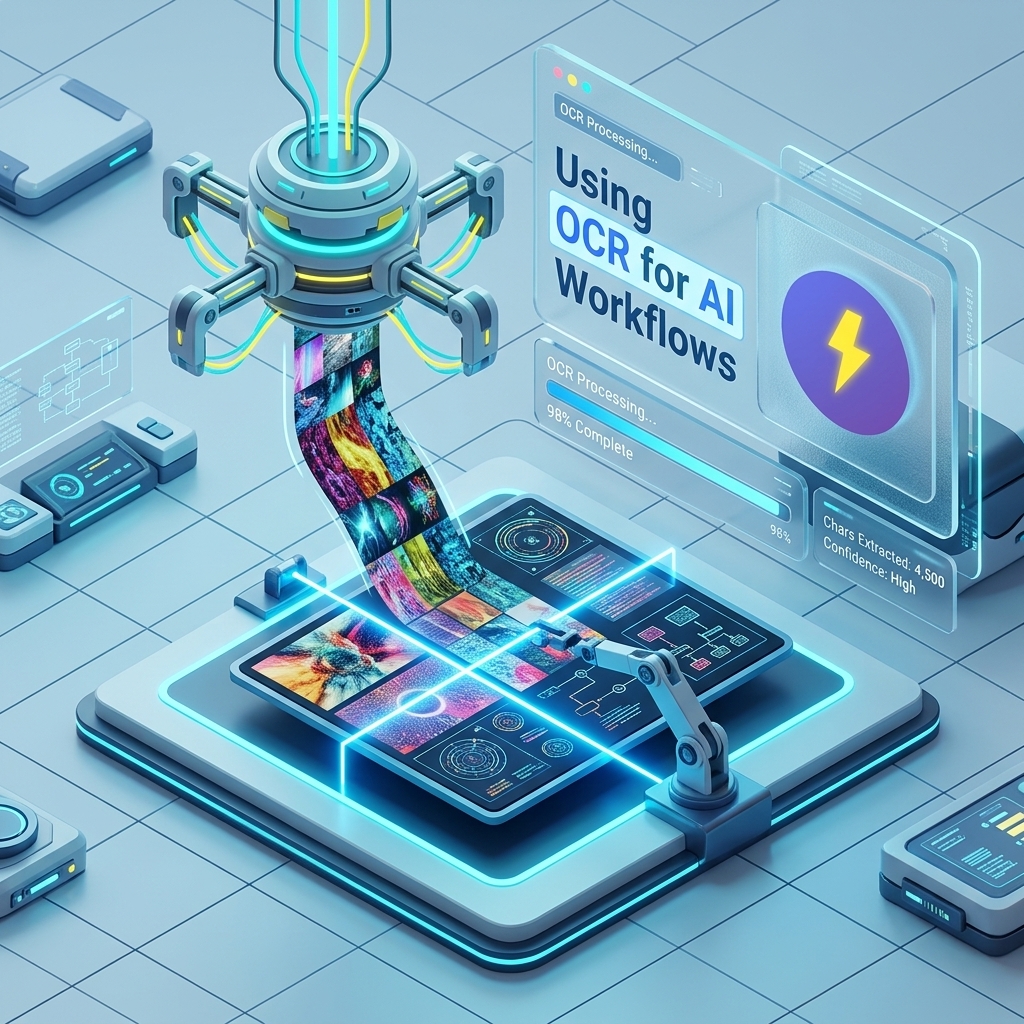
One of the most fascinating trends in our community search logs is: "ocr community text to prompts".
It reveals a growing need. In 2026, information doesn't just come in text files. It comes in Zoom screenshares, YouTube tutorial frames, and un-copyable PDF slides. If you are manually transcribing text from an image just to feed it into ChatGPT, you are wasting the most valuable asset you have: your time.
This guide explores the Multimodal workflow of 2026: The "See -> Click -> Prompt" loop.
The Problem: The "Unselectable" Web
We've all been there.
- You are watching a coding tutorial.
- The instructor flashes a complex config file on screen.
- You want to ask ChatGPT to "explain this config."
- Barrier: You can't copy-paste pixels.
- Old Solution: You pause the video and type it out manually. Errors ensue.
The Solution: A Unified Multimodal Workflow
While you can use standalone OCR tools or Apple's Live Text, the real power comes from how you manage the results.
How to use FlashPrompt for Vision Workflows
- Capture: Use your favorite tool (like Apple Live Text or Windows PowerToys OCR) to grab the text from an image or video.
- Paste & Save: Use FlashPrompt's Selection Save feature. Highlight the extracted text and save it as reusable prompt content.
- Prompt: Go to your favorite AI (ChatGPT, Claude, etc.) and trigger your vision-specific prompts.
- You type:
-explain-code - System sends: "I have extracted this code from a screenshot. Please analyze it for errors: [PASTE EXTRACTED TEXT]"
- You type:
Why "Community" Metrics Matter
The keyword "ocr community text to prompts" suggests a shared interest in specialized prompts for visual data. FlashPrompt is the perfect container for these community-vetted instructions.
Top Vision-Oriented Prompts in 2026:
-clean-ocr: "Fix the spacing errors and remove line breaks from this raw OCR text."-analyze-chart: "Take this textual representation of a chart and identify the top 3 trends."-screenshot-to-react: "I have OCR'd a UI design. Convert this textual description into a functional React component."
Multimodal vs. OCR: Why not just upload the image?
You might ask: "Modern AIs can see images. Why do I need to extract text first?"
1. Token Efficiency: Uploading a high-res image consumes significant tokens. Extracting the text first and sending just the string is 10x more cost-efficient for long-range planning.
2. Deterministic Precision: AI vision models still hallucinate small details in code (like confusing 1 and l). Using a dedicated OCR tool followed by a FlashPrompt cleanup script ensures the highest accuracy for technical work.
3. Prompt Reuse: By converting images to text snippets, you can save them in your FlashPrompt library and reuse them across different models (Claude, GPT, Gemini) without re-uploading the image every time.
Privacy First Workflow
FlashPrompt's Local-First architecture keeps saved prompt content in the browser profile rather than uploading it to a cloud prompt library. Do not save extracted text that your organization's policy forbids storing in browser extension storage.
Comparing Tools for the Vision Workflow
| Tool | Focus | Integration | Pricing |
|---|---|---|---|
| Apple Live Text | General Capture | System-wide | Free |
| PowerToys OCR | Technical Capture | Windows only | Free |
| FlashPrompt | AI Management | Browser Native | Lifetime Access |
The main differentiator is intent. Other tools let you see text. FlashPrompt lets you act on text. That "action layer" is what defines a prompt manager.
Summary
If you are ignoring the "pixels" part of your workflow, you are missing 50% of the web's information. The "ocr community text to prompts" movement is about bridging the gap between what you see and what your AI can process.
Stop typing what you can see. Start capturing and managing it with precision.
Bridge the gap between vision and logic. Try FlashPrompt - Lifetime Access
Related guides
Enterprise Prompt Management: Securing AI Workflows in 2026
How companies are solving the 'shadow AI' problem with secure prompt-manager-chatgpt 2026 solutions. The importance of local storage and vetted libraries.
Claude Opus 5 Guide: What It Means for Prompt Workflows
A practical Claude Opus 5 workflow guide for using FlashPrompt to keep long-horizon AI work consistent and reusable.
Optimizing ByteDance SeedDance Workflows with a Prompt Manager
Learn how to use a Chrome extension prompt manager to save prompt efficiently for ByteDance's SeedDance video model.
Ready to reuse these prompts?
Save the prompts from this guide in FlashPrompt, or start from a ready-made example in the prompt library.