
Maximizing Codex Computer Use: How a Prompt Manager Saves Tokens and Boosts Productivity
Explore how combining Codex Computer Use with a powerful prompt manager extension helps you save tokens, reduce agent errors, and automate your desktop efficiently.
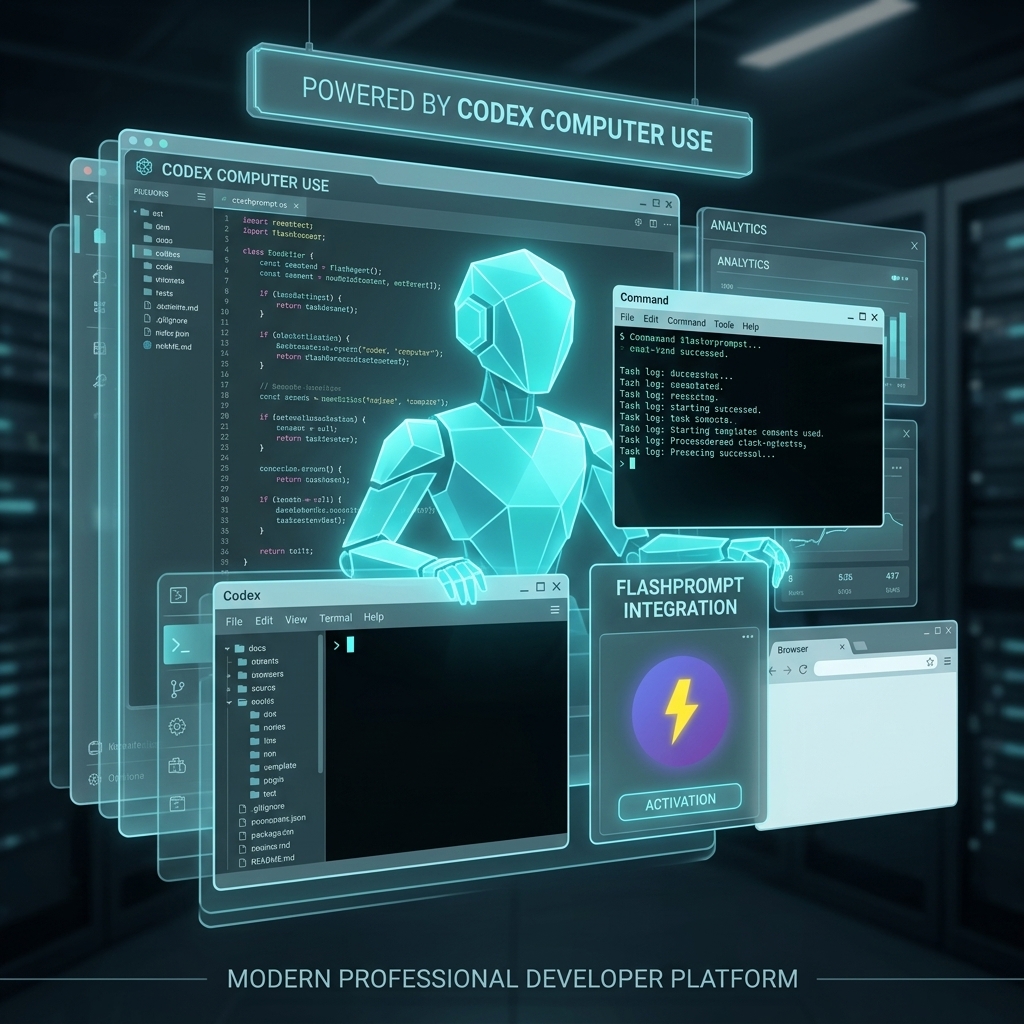
The frontier of Artificial Intelligence has officially moved beyond the chat box. With the introduction of Codex Computer Use, we are entering the era of Agentic UI control. Instead of just generating text or code, AI agents can now actively view your screen, move your cursor, click buttons, and type into applications to complete complex, multi-step tasks on your behalf.
While the potential for automation is staggering, this new paradigm introduces a massive new challenge: Token Efficiency.
When an AI agent is given a vague or poorly structured instruction, it will often "hallucinate" actions, wander around the user interface, click the wrong buttons, and loop endlessly in a cycle of errors. Every single action—every screenshot analyzed, every mouse movement calculated—consumes tokens. A bad prompt can cost you a significant amount of API credits and waste valuable time.
To truly harness this technology, you need absolute precision. This is where a dedicated chrome extension prompt manager like FlashPrompt becomes an indispensable tool to help you save tokens and guarantee reliable automation.
The Cost of Ambiguity in Computer Use
When working with standard LLMs, a vague prompt might result in a poorly written paragraph that you can simply ask the model to rewrite.
With Codex Computer Use, a vague prompt is disastrous. If you tell an agent to "Update the spreadsheet with the latest numbers," without providing specific constraints, the agent might:
- Open the wrong application.
- Search aimlessly through your file system.
- Execute dozens of unnecessary UI interactions.
- Ultimately fail the task, having burned through thousands of context tokens in the process.
To successfully utilize Codex Computer Use, your prompts must be highly engineered. They need to define exact starting conditions, strict operational boundaries, error-handling instructions, and clear success criteria.
How FlashPrompt Ensures Precision and Saves Tokens
Writing these bulletproof, highly technical automation prompts is tedious. You cannot afford to re-type them, and digging through a disorganized notes app introduces too much friction. FlashPrompt solves this by allowing you to save prompt efficiently and deploy them instantly.
Here is how FlashPrompt acts as the perfect companion for Codex Computer Use:
1. Zero-Friction Prompt Insertion
When you are ready to trigger an automation sequence, you want to do it fast. With FlashPrompt, you can use the -keyword shortcut directly in the agent's command interface. Typing -update-reports instantly expands into your fully refined, 400-word operational parameter list. By providing the agent with perfect instructions every single time, you eliminate trial-and-error, directly translating to saved tokens and reduced API costs.
2. Standardize Your Automation Workflows
Once you successfully engineer a prompt that perfectly executes a specific desktop task, it becomes an incredibly valuable asset. FlashPrompt allows you to quickly highlight this successful instruction and save it locally. By building a library of standardized, battle-tested agent prompts, you ensure that your Codex Computer Use tasks run predictably and efficiently every time.
3. High-Speed Local Search
As you automate more of your daily workflow, your library of agent instructions will grow. FlashPrompt’s ultra-fast local search ensures you can find the exact operational prompt you need instantly. The real-time highlighting helps you quickly differentiate between similar automation tasks, ensuring you never deploy the wrong instructions to the agent.
4. Enterprise-Grade Local Security
Allowing an AI agent to control your computer is a massive security consideration. The last thing you want is for the highly sensitive, detailed instructions defining how your internal applications work to be synced to a public cloud server. FlashPrompt stores 100% of your prompt data locally within your browser, ensuring that your proprietary workflows and system architectures remain strictly confidential.
Invest in Efficiency: Pay Once, Use Forever
When you are already paying for API usage and token consumption to power Codex Computer Use, you should not have to pay a recurring subscription just to manage your instructions.
FlashPrompt follows a strict Lifetime Access model. There are no monthly fees. You pay a single time to own a powerful, privacy-first prompt manager extension.
The era of AI desktop automation is here. To make the most of it, you must stop wasting tokens on bad prompts. Upgrade your toolset, organize your most critical agent instructions with FlashPrompt, and watch your productivity skyrocket.
Related guides
Unleashing GLM-5.2: Optimizing Open-Source Agentic AI with a Prompt Manager Extension
Discover how Z.ai's new GLM-5.2 model redefines autonomous coding and how to streamline your 1-million-token context workflows using a professional prompt manager.
The Era of Autonomous Agents: Harnessing Claude Fable 5 and Mythos 5 with a Prompt Manager
Anthropic's newly released Claude Fable 5 and Mythos 5 models bring unprecedented autonomous capabilities. Learn how to manage long-running agent configurations and save token costs with a professional prompt manager extension.
Build Your Own AI Skill Library: Fast Invocation with a Prompt Manager Extension
Discover how to organize and instantly invoke powerful AI skills and agent workflows using a professional chrome extension prompt manager.
Ready to reuse these prompts?
Save the prompts from this guide in FlashPrompt, or start from a ready-made example in the prompt library.