
Claude Design Prompt Manager: How to Create Consistent AI Designs with FlashPrompt
Learn how to use FlashPrompt with Claude Design to produce consistent prototypes, slides, one-pagers, and product mockups without rewriting the same design prompts.
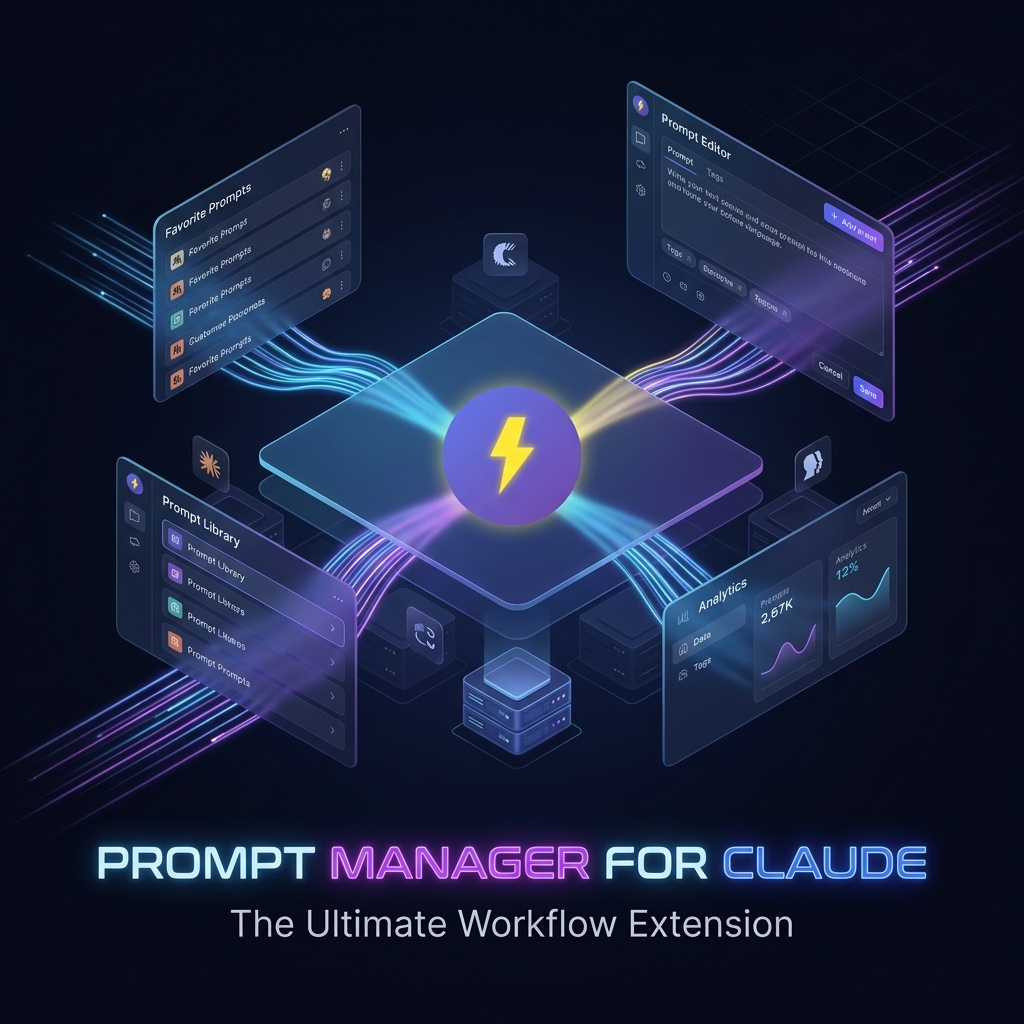
Anthropic introduced Claude Design as a Labs product for creating polished visual work through conversation: designs, prototypes, slides, one-pagers, and more. That matters because the design step is no longer limited to specialized tools or blank-canvas design software. A product manager can describe a dashboard. A founder can draft a landing page. A developer can turn a rough feature idea into a clickable prototype before opening the codebase.
But there is a practical problem hidden inside this new speed.
The first design Claude creates may look impressive. The tenth design may look different. The fiftieth design may drift even further from your brand, your layout rules, your button style, your spacing system, and your product voice. AI design tools make it easier to produce visual work, but they do not automatically make that work consistent.
That is where a Claude Design prompt manager becomes useful. FlashPrompt helps you save the design instructions that should not change, reuse them instantly, and build a repeatable system for high-quality AI design output.
Claude Design Makes Visual Production Faster
Claude Design changes the starting point for design work. Instead of opening a design file and manually arranging every section, you can ask Claude to create a visual artifact from plain language. Depending on the task, that might be:
- A SaaS dashboard concept
- A mobile onboarding flow
- A product feature mockup
- A sales one-pager
- A pitch deck section
- A pricing page layout
- A customer support workflow diagram
- A design handoff draft for a frontend engineer
This is powerful because teams often need visual thinking before they need final design polish. A founder may need to compare three product directions. A developer may need a clearer UI target before implementing a feature. A marketer may need a fast one-pager for a campaign idea. Claude Design can compress that early exploration cycle.
However, fast output creates a new kind of maintenance work. If every request starts from scratch, every output depends on how clearly one person explains the brand and design system in that moment. Busy teams rarely do that consistently.
The Real Bottleneck Is Not Design Generation
The bottleneck is repeatability.
When people use Claude Design casually, they usually type prompts like:
Create a clean dashboard for a prompt manager app.
That can produce a usable first draft, but it leaves too many decisions open. Claude has to infer the product positioning, user type, layout density, visual tone, color balance, typography, component style, and content hierarchy. The result may be visually attractive, yet still wrong for your actual product.
For a product like FlashPrompt, the design should feel fast, practical, and focused on power users. It should not look like a generic AI startup landing page. It should not use vague decorative elements when the user needs to understand a real workflow. It should show prompt capture, search, insertion, organization, and reuse in a way that feels concrete.
The better prompt is not just longer. It is more stable.
What FlashPrompt Adds to Claude Design
FlashPrompt is built for saving and reusing prompts across AI workflows. When you combine it with Claude Design, it becomes the place where your team stores the design instructions that should remain consistent.
Instead of rewriting your design brief every time, you can save reusable prompts such as:
- Brand design rules
- Product positioning context
- UI density preferences
- Component style rules
- Color and typography constraints
- Page-specific design templates
- Design critique checklists
- Handoff prompts for Claude Code or engineering
This turns Claude Design from a one-off idea generator into a repeatable design production system.
The workflow is simple:
- Save your core design prompts in FlashPrompt.
- Give each prompt a short trigger or searchable title.
- Open Claude Design when you need a new visual asset.
- Insert the right saved prompt instead of rewriting the brief.
- Add the specific task for the current design.
- Review the output against a saved critique checklist.
- Improve the prompt library when you find a better instruction.
That last step is important. Your prompt library should improve over time. When Claude produces a better card layout, a cleaner comparison table, or a more useful mobile flow, save the instruction that caused it. Treat the best parts of your design prompts as reusable product knowledge.
A Reusable Claude Design Prompt Structure
A strong Claude Design prompt usually contains five parts.
1. Product Context
Claude needs to know what the product does and who it serves. For FlashPrompt, the context might be:
FlashPrompt is a browser extension for saving, organizing, and reusing AI prompts. It is built for developers, power users, marketers, and teams that repeatedly work with ChatGPT, Claude, Gemini, Grok, and other AI tools.
This keeps the design grounded in a real workflow instead of a generic productivity concept.
2. Brand and Visual Rules
Save the rules that should remain stable:
Use a clean, modern interface with practical visual hierarchy. Avoid decorative clutter. Favor crisp panels, clear spacing, readable typography, and interface elements that show actual prompt workflows. The design should feel fast, reliable, and built for serious AI users.
If your team has exact colors, typography, or component rules, store those too. FlashPrompt makes it easy to keep this context ready without searching through old docs.
3. Output Type
Claude Design can create different kinds of visual work, so be specific:
Create a one-page product explainer layout with a first-screen hero, a workflow section, a consistency section, and a final call to action.
Or:
Create a 4-screen mobile onboarding prototype that shows prompt capture, folder organization, shortcut insertion, and lifetime access.
The more precise the output format, the easier it is to evaluate.
4. Content Constraints
AI design tools often invent placeholder claims. A saved constraint prompt prevents that:
Do not describe FlashPrompt as free. Use lifetime access, one-time purchase, or pay once, use forever. Do not include hardcoded numeric prices. Send users to the pricing page for current pricing.
This is the kind of rule that should never depend on memory. Save it once in FlashPrompt and reuse it everywhere.
5. Review Checklist
After Claude creates a design, use a saved review prompt:
Review this design for brand consistency, visual hierarchy, information density, mobile readability, and whether it clearly shows how FlashPrompt improves prompt reuse. Point out anything that looks generic, inconsistent, or hard to scan.
This gives you a second pass that is more disciplined than simply asking, "Make it better."
Example FlashPrompt Library for Claude Design
Here is a practical set of saved prompts to build inside FlashPrompt.
claude-design-brand
Use this before any Claude Design request. It defines the product, audience, tone, and visual direction.
You are designing for FlashPrompt, a browser extension that helps AI users save, organize, search, and reuse prompts across ChatGPT, Claude, Gemini, Grok, and other tools. The audience is modern developers, power users, marketers, creators, and small teams. The design should feel fast, practical, trustworthy, and built for repeat work.
claude-design-consistency
Use this when you need stable style across multiple assets.
Keep the visual system consistent across screens: shared spacing rhythm, repeated component patterns, clear typography hierarchy, restrained color usage, and realistic interface content. Do not change the brand direction between screens unless explicitly asked.
claude-design-productivity
Use this when the design needs to explain the productivity value.
Show the productivity benefit through the workflow itself: capture a useful prompt, organize it, find it quickly, insert it into an AI chat, and reuse it without rewriting. Avoid vague claims. Make the before-and-after workflow visible.
claude-design-pricing
Use this for landing pages, pricing sections, and sales one-pagers.
FlashPrompt is not positioned as free. Present the pricing model as lifetime access, one-time purchase, or pay once, use forever. Do not include a specific numeric price. Refer users to the pricing page for current pricing.
claude-design-review
Use this after Claude creates a design.
Audit the design for consistency, clarity, and usefulness. Identify where the layout feels generic, where the product workflow is unclear, where the visual hierarchy is weak, and where the copy does not match FlashPrompt's practical power-user positioning.
With these saved prompts, your team does not need to remember the full design system every time. FlashPrompt keeps the reusable instructions close to the place where the work happens.
How This Improves Production Speed
The productivity gain is not just faster typing. It is fewer bad drafts.
Without a prompt manager, each Claude Design session starts with manual setup:
- Explain the product again
- Explain the target audience again
- Explain the design style again
- Explain pricing language again
- Explain what to avoid again
- Review the same mistakes again
That repeated setup is quiet waste. It does not feel like a large task, but it compounds across every prototype, slide, one-pager, and landing page concept.
With FlashPrompt, your team can insert a proven design brief in seconds. That means more attention goes into the current creative problem: the feature, the message, the flow, the page structure, or the campaign.
For developers, this is especially useful. A developer using Claude Design to explore UI direction can keep outputs aligned with the product before handing the idea to Claude Code or implementing it manually. For marketers, it makes campaign visuals feel connected to the same brand. For founders, it makes early prototypes look like they came from one product vision instead of many disconnected AI sessions.
Consistency Is a System, Not a Mood
AI design quality improves when your instructions become part of a system. Claude Design gives you the visual workspace. FlashPrompt gives you the reusable instruction layer.
That combination is useful because most teams do not struggle to create one design. They struggle to create ten designs that feel like the same product.
If your team uses Claude Design for prototypes, slides, one-pagers, product mockups, or marketing assets, do not rely on memory. Save your best design prompts, give them clear names, reuse them, and refine them as your product evolves.
FlashPrompt helps you turn good design prompting into repeatable work. Instead of starting every Claude Design session from a blank prompt, you start from a stable foundation.
That is how you get faster output without losing a unified style.
Get lifetime access to FlashPrompt and build a prompt library that keeps your AI design workflow consistent.
Related guides
The Era of Autonomous Agents: Harnessing Claude Fable 5 and Mythos 5 with a Prompt Manager
Anthropic's newly released Claude Fable 5 and Mythos 5 models bring unprecedented autonomous capabilities. Learn how to manage long-running agent configurations and save token costs with a professional prompt manager extension.
Mastering Creative Coding with Claude Mythos and a Prompt Manager Extension
Discover how to harness the creative intelligence of Claude Mythos for architectural design and storytelling by using a robust prompt manager to save your best instructions.
Unlocking Claude Opus 4.8: Boost Your Engineering Velocity with a Prompt Manager
Learn how to leverage the unparalleled reasoning of Claude Opus 4.8 by pairing it with a professional prompt manager extension to save time and streamline coding.
Ready to reuse these prompts?
Save the prompts from this guide in FlashPrompt, or start from a ready-made example in the prompt library.