
Agent Harness Workflow: Use FlashPrompt to Get Stable AI Output
Learn how to combine an agent harness with FlashPrompt prompt management to create repeatable AI workflows, reduce context drift, and improve developer productivity.
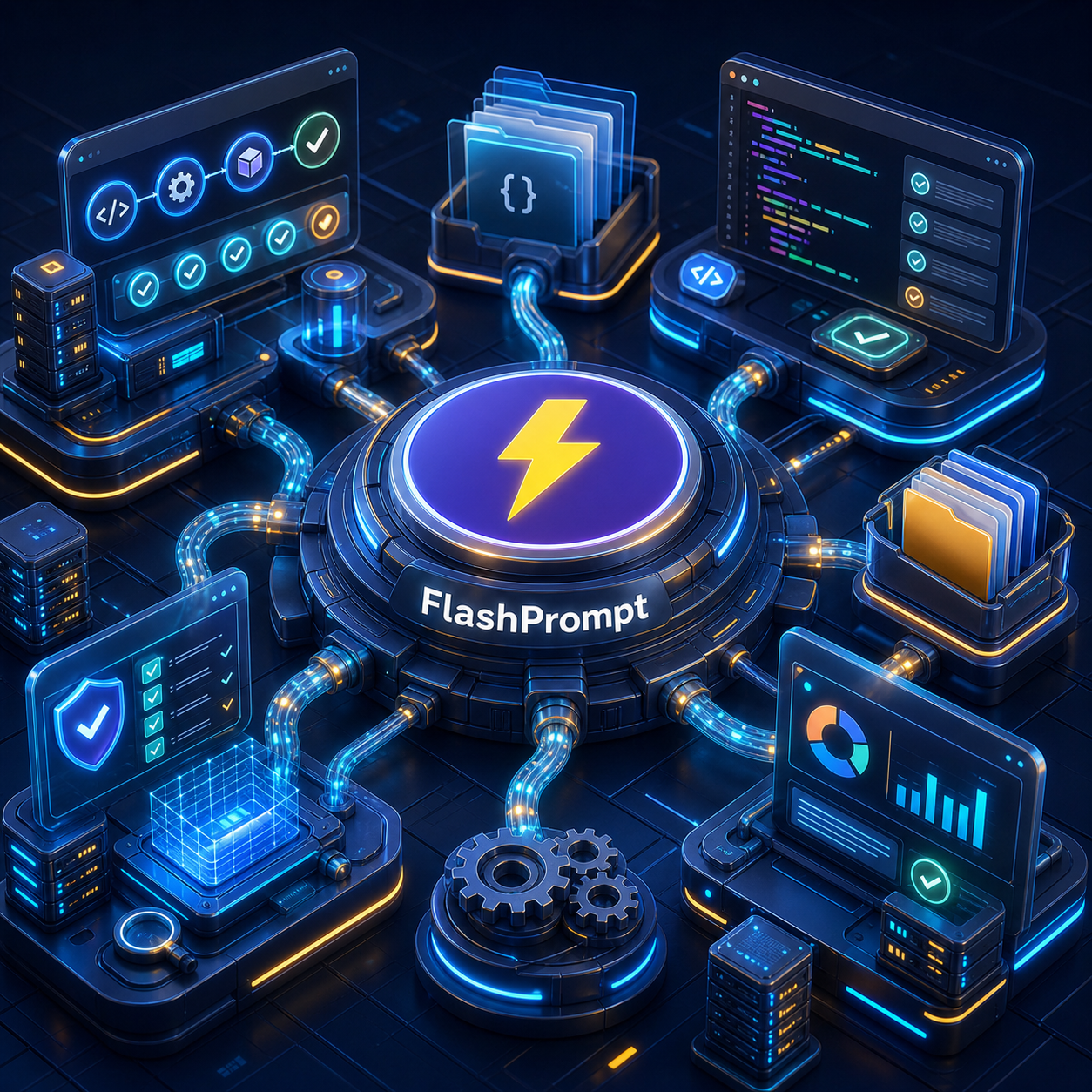
AI agents are becoming part of normal software delivery. Developers use coding agents to inspect repositories, edit files, write tests, explain failures, and prepare pull requests. Platforms such as Harness Agents are also bringing agent work into pipelines, where agents can run with build context, permissions, logs, and governance.
That changes the productivity question.
The old question was: "Can AI answer this?"
The better question is now: "Can AI produce the same quality of work every time this task appears?"
That is where an agent harness workflow matters. A harness gives the agent a controlled operating environment: context, tools, permissions, checkpoints, and output rules. But the harness is only half of the system. The other half is the instruction layer you feed into it.
If your instructions are improvised every time, the agent will improvise too. If your instructions are stored, refined, and reused through FlashPrompt, your agent has a stable starting point.
What an Agent Harness Actually Does
An agent harness is the working structure around an AI agent. It helps the agent act inside a real workflow instead of sitting in a chat window waiting for loose instructions.
In practical terms, a harness often controls:
- what repository, branch, issue, or pipeline run the agent can see,
- what tools the agent can call,
- what files the agent can change,
- what tests or checks must run,
- what output format the agent must return,
- when the agent must stop and ask for approval.
For example, a Harness agent inside a delivery pipeline may receive build logs, test results, repository metadata, and pipeline permissions. A local coding agent may receive a workspace, terminal access, file editing permissions, and project instructions.
In both cases, the agent still needs clear task direction.
Without that direction, the agent may:
- fix the wrong problem,
- skip verification,
- rewrite too much code,
- produce a vague summary,
- ignore team conventions,
- miss edge cases that matter in your project.
The harness controls the room. The prompt controls the work.
Why Stable Output Depends on Saved Prompts
Most teams start with manual prompting. A developer types something like:
Fix this CI failure and open a PR.
That may work once. It does not scale.
A production-quality request needs more structure:
- the goal,
- the allowed scope,
- the files or modules to inspect first,
- the checks to run,
- the expected output,
- the definition of done,
- the behavior when information is missing.
If every developer writes that from memory, quality will vary. One person includes test requirements. Another forgets. One person asks for a small patch. Another accidentally invites a broad refactor.
FlashPrompt solves this by turning strong agent instructions into reusable prompt assets. Instead of rebuilding the instruction from memory, you save it once, improve it after each run, and insert it whenever the workflow appears again.
That gives your agent three advantages:
- Consistent task framing: the same task starts with the same standards.
- Less context drift: the agent is reminded what matters before it starts acting.
- Faster execution: developers spend less time preparing instructions and more time reviewing useful output.
The Best Division of Labor: Harness Executes, FlashPrompt Standardizes
Think of the system in two layers.
The agent harness handles execution:
- read the repository,
- inspect logs,
- run commands,
- edit files,
- open or prepare a pull request,
- report what changed.
FlashPrompt handles reusable instruction quality:
- task templates,
- code review checklists,
- test expectations,
- output formats,
- team-specific rules,
- safety constraints,
- handoff summaries.
This division is important because agents are powerful but sensitive to input quality. A better prompt does not replace the harness. It makes the harness more dependable.
For example, a pipeline-native code review agent can inspect a pull request. FlashPrompt can store the exact review instruction your team expects:
- review only the changed behavior,
- flag missing tests,
- separate blocking issues from suggestions,
- avoid style comments already covered by lint,
- include risk areas for deployment,
- summarize the final recommendation clearly.
The harness gives the agent access to the pull request. FlashPrompt gives it your review standard.
A Practical FlashPrompt Library for Agent Work
You do not need hundreds of prompts to improve agent productivity. Start with a small library of high-leverage templates.
1. Task Intake Prompt
Use this when starting a coding agent session:
You are working in an existing codebase.

Goal:
[Describe the requested change.]

Before editing:
- Inspect the current implementation.
- Identify the smallest safe change.
- Call out any unclear requirement before making broad assumptions.

Scope:
- Stay within the relevant files and modules.
- Do not refactor unrelated code.
- Do not change public behavior unless required by the task.

Definition of done:
- Implement the change.
- Verify backend logic with the relevant tests or commands.
- Summarize what changed and what was verified.
Save it in FlashPrompt with a short trigger such as -agent-task.
2. CI Failure Autofix Prompt
Use this when a harness agent or local coding agent is dealing with failed builds:
Analyze the failed CI output and identify the smallest likely fix.

Process:
1. Read the failure message and related test output.
2. Find the code path connected to the failure.
3. Explain the root cause in plain language.
4. Make a focused fix.
5. Run the narrowest relevant verification first.

Constraints:
- Do not rewrite unrelated code.
- Do not silence tests to make the build pass.
- If the failure points to missing setup or environment state, report that clearly.

Output:
- Root cause
- Fix made
- Verification run
- Remaining risk
Save it as -agent-ci-fix.
This prompt is useful because CI failures are repetitive, but the cost of a careless fix is high. A saved template keeps the agent focused on cause, correction, and verification.
3. Code Review Agent Prompt
Use this when an agent reviews a pull request:
Review this change as a senior engineer.

Focus on:
- behavior regressions,
- missing tests,
- security or privacy risk,
- data migration risk,
- error handling,
- performance issues that matter at realistic scale.

Do not spend time on:
- formatting handled by automated tools,
- broad rewrites outside the change,
- personal style preferences.

Output:
- Blocking findings first
- Non-blocking suggestions second
- Final merge recommendation
Save it as -agent-review.
The value here is not only speed. It is consistency. Every review agent run applies the same standard, regardless of who triggered it.
4. Handoff Summary Prompt
Use this at the end of agent work:
Create a handoff summary for this agent session.

Include:
- original request,
- files or modules changed,
- important decisions,
- verification performed,
- known limitations,
- suggested next step.

Keep it concise and factual. Do not overstate confidence.
Save it as -agent-handoff.
Handoff prompts are underrated. They make agent work easier to review, easier to continue later, and easier to audit.
How FlashPrompt Improves Productivity in Agent Workflows
The productivity gain does not come from typing fewer words, although that helps. The larger gain comes from removing repeated decision work.
With FlashPrompt, teams can:
- launch common agent tasks in seconds,
- reuse tested instructions across ChatGPT, Claude, Gemini, Codex, and pipeline agents,
- keep prompt standards close to the browser-based tools where work happens,
- improve templates after real failures,
- share a cleaner way of working without forcing everyone to memorize a process.
For developers, this means fewer slow starts. You do not need to think through the entire operating procedure every time you ask an agent to review code, debug a test, or summarize a change.
For teams, it means less variation. A junior developer and a senior developer can both start with the same strong template, then apply their judgment during review.
How to Keep Agent Prompts Stable Over Time
Prompt libraries can decay if nobody maintains them. Treat your best agent prompts like lightweight operational documents.
A simple maintenance routine works well:
-
Name prompts by job, not by model
Use names such as "CI Failure Autofix" or "PR Review Standard" instead of "Claude Review Prompt." The task matters more than the provider. -
Use short triggers
Triggers like-agent-review,-agent-ci-fix, and-agent-handoffare easy to remember and fast to insert. -
Add constraints after mistakes
If an agent made a broad refactor when it should have made a small fix, update the prompt. Do not rely on memory next time. -
Keep output formats explicit
Stable output is easier to compare, review, and automate. Ask for sections such as "Root cause," "Fix made," and "Verification run." -
Archive stale prompts
If a prompt no longer matches your workflow, remove it from the active library. A smaller trusted library beats a large messy one.
This is where FlashPrompt's local-first approach is valuable. Your prompt library can include real working rules, internal wording, and project-specific habits without turning every prompt into a generic public-safe version. For teams and power users, that ownership matters.
FlashPrompt also follows a one-time purchase model with lifetime access, so your core workflow library does not depend on another recurring prompt-management subscription.
A Repeatable Agent Harness Workflow
Here is a simple workflow you can adopt:
-
Create the task in your normal system
This could be an issue, pull request, CI failure, support ticket, or deployment concern. -
Insert the right FlashPrompt template
Use-agent-task,-agent-ci-fix,-agent-review, or another saved workflow prompt. -
Add live context
Paste the relevant issue, logs, diff, acceptance criteria, or customer report. -
Run the agent inside the harness
Let the agent inspect, execute, and report within the controlled environment. -
Review the output against the template
Check whether it followed scope, verification, and output rules. -
Improve the saved prompt when needed
If the agent missed something important, update the template so the next run starts stronger.
This loop is simple, but it compounds. Every repeated task becomes easier. Every corrected mistake can become a better instruction. Every saved prompt reduces the chance that the next agent run starts from a vague request.
Final Takeaway
Agent harnesses make AI agents useful in real workflows. FlashPrompt makes those workflows repeatable.
If you want stable AI output, do not rely on clever one-off prompts. Build a small library of proven instructions for the agent tasks you run every week: CI repair, code review, test generation, documentation, handoff, and release checks.
The agent can move fast. The harness can keep it controlled. FlashPrompt helps make sure the work starts with the same clear standard every time.
That is how teams turn AI agents from an impressive demo into a dependable productivity system.
Related guides
OpenClaw Prompt Workflow: Use FlashPrompt for Stable AI Agent Output
Learn how to use FlashPrompt with OpenClaw to save reusable agent prompts, reduce inconsistent results, and build a more productive AI workflow.
Seedance 2.5 Prompt Workflow: Build a Repeatable AI Video Production System
A practical Seedance 2.5 prompt workflow for organizing video briefs, preserving creative consistency, and producing faster with FlashPrompt.
How to Save Prompts in ChatGPT: The Complete Workflow Guide
ChatGPT doesn't save your prompts for you. Here's the definitive guide to saving, organizing, and instantly reusing your best ChatGPT prompts — without the copy-paste grind.
Ready to reuse these prompts?
Save the prompts from this guide in FlashPrompt, or start from a ready-made example in the prompt library.